Connect Edvise to Every Corner of Campus
Our platform syncs bi-directionally with your SIS, LMS, and identity stack so advisors, faculty, and learners always act on a single source of truth.
Integration Hub
Connect, transform, and move your data exactly where you need it—no code required.
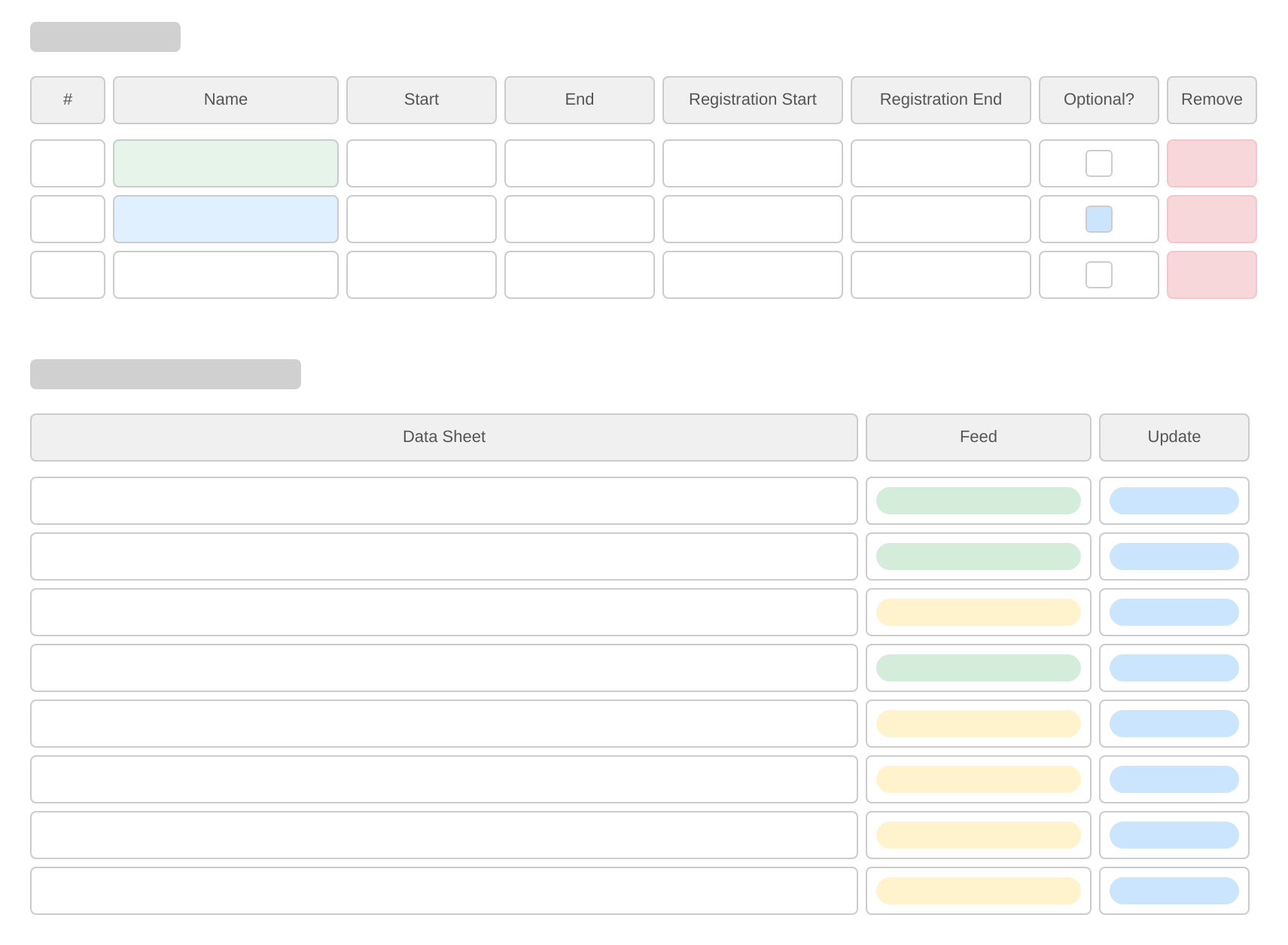
Integrations Dashboard
A centralized view where you can track and monitor every integration’s health, data-merge metrics, and status in real time.
- Real-time success/failure rates for each sync job.
- Number of records created, updated, or skipped per run.
Supported Integrations

Canvas
Bi-directional data sync for courses, enrollments, and grades.

PeopleSoft
Automated rostering and student demographic updates.

Moodle
Syncs user profiles, course data, and activity logs.
Ellucian Banner
Real-time updates for student records, advising notes, and holds.

Jenzabar EX / One
Seamless exchange of student, faculty, and administrative data.

Anthology
Integrates student success metrics and engagement data.

Salesforce
Streamlines operations by integrating student success and development data.
Home-grown (CSV / API)
Flexible data import and export via CSV or direct API connections.
Implementation Journey
Kick-off & Discovery
- Stakeholder alignment workshop
- Define goals & success criteria
- Catalogue data sources & owners
Sandbox & Connector Setup
- Provision secure sandbox
- Generate API credentials
- Validate network & security rules
Field Mapping & Pilot Sync
- Drag-and-drop mapping sessions
- Transform & cleanse sample data
- Iterate until pilot passes QA
User Acceptance & Training
- Stakeholder UAT with live data
- Role-based training sessions
- Finalize cut-over checklist
Production Cut-over
- Zero-downtime switchover
- 24-hour hyper-care window
- Validate dashboards & alerts
Optimization & Handoff
- Performance tuning & cost review
- Document configuration playbooks
- Transition to steady-state support
Ready to see your data in Edvise?
Spin up a sandbox in 60 seconds or schedule a white-glove demo with our solutions team.